

AiMOOC on aiMOOC.org
Introduction
aiMOOC.org is an innovative online learning platform that provides fully interactive MOOCs for use in schools, universities, and self-study. Its mission is to combine structured learning with interactivity, using Wiki syntax, multimedia, and gamified elements. The system allows educators to create detailed, wiki-based courses enriched with quizzes, drag-and-drop activities, memory games, and open-ended tasks.
On aiMOOC.org, every MOOC follows a standard structure to ensure consistency and high educational value. Learners are guided through a topic step-by-step, from introduction to deep understanding, with embedded interactive activities to enhance engagement.
Core Concepts of aiMOOC.org
Definition of aiMOOC
An aiMOOC is a structured, multimedia-rich learning unit built with Wiki syntax, designed for interactive and self-paced learning. Unlike traditional courses, aiMOOCs emphasize learner participation and exploration through quizzes, games, and creative tasks.
Structure of an aiMOOC
Every aiMOOC contains:
- Introduction – A brief overview of the topic.
- Detailed Sections – Broken down with headings and subheadings.
- Interactive Tasks – Quizzes, drag-and-drop exercises, memory games, and crosswords.
- Open Tasks – Encourage creativity and application.
- Learning Control – Assess understanding and transfer skills.
- OER Section – External open resources like Wikipedia articles.
- Media Section – Relevant images, videos, or infographics.
Interactive Elements
aiMOOC.org uses various interactive components:
- Quiz – Multiple-choice questions to test factual knowledge.
- Memory game – Matching pairs to reinforce associations.
- Drag-and-drop – Ordering or categorizing items.
- Crossword puzzle – Testing recall of key terms.
- LearningApps integration – Embedding external activities.
Educational Benefits
Using aiMOOC.org in schools and universities offers:
- Self-paced learning – Students work at their own speed.
- Active learning – Interactive elements keep engagement high.
- Open Educational Resources – Free and accessible learning.
- Cross-curricular applicability – Suitable for multiple subjects.
Interactive Tasks
Quiz: Test Your Knowledge
What does aiMOOC stand for? (Artificial Intelligence Massive Open Online Course) (!Automated Interactive Module of Open Online Content) (!Advanced Internet Module for Open Computing) (!Artificial Internet Multi-Option Course)
Which syntax is used to create aiMOOCs? (Wiki syntax) (!HTML only) (!LaTeX) (!Markdown only)
Which section contains external open resources in an aiMOOC? (OER Section) (!Introduction) (!Media) (!Interactive Tasks)
What is the main advantage of aiMOOC for schools? (Interactive, structured, and open learning materials) (!Offline-only use) (!Paid exclusive access) (!Limited subject coverage)
What type of quiz is included in every aiMOOC? (Multiple-choice) (!Short answer only) (!True/False only) (!Essay only)
Which tool allows embedding external educational games in aiMOOCs? (LearningApps) (!Photoshop) (!Zoom) (!WordPress)
Which element encourages creativity in learners? (Open Tasks) (!Memory game) (!Crossword puzzle) (!Drag-and-drop)
Which platform does aiMOOC.org use for free knowledge integration? (Wikipedia) (!Reddit) (!LinkedIn) (!GitHub)
How is aiMOOC different from a traditional MOOC? (Uses interactive wiki-based structure) (!Requires live lectures only) (!Has no online elements) (!Focuses on exams only)
What does the "Learning control" section test? (Understanding and application of knowledge) (!Typing speed) (!Drawing ability) (!Memory only)
Memory
| aiMOOC | Interactive wiki-based course |
| OER | Open Educational Resources |
| Drag-and-drop | Sorting and ordering exercise |
| LearningApps | External activity embedding |
| Crossword | Puzzle for key term recall |
Drag and Drop
| Assign the correct terms | Topic |
|---|---|
| Introduction | Start of the aiMOOC |
| Interactive Tasks | Quizzes, games, activities |
| Open Tasks | Creative projects |
| OER Section | External resources |
| Learning Control | Application and understanding check |
Crossword Puzzle
| aiMOOC | Interactive online course format |
| Wikipedia | Open knowledge platform |
| Quiz | Multiple-choice knowledge check |
| Memory | Matching pairs activity |
| Media | Images and videos section |
| Syntax | Formatting rules for aiMOOCs |
LearningApps
Open Tasks
Easy
- Find and list: Identify three aiMOOCs you would like to explore.
- Glossary creation: Create a glossary of at least 5 aiMOOC terms.
- Screenshot: Take a screenshot of an aiMOOC quiz and explain it.
Standard
- Write your own quiz: Create 5 questions for an aiMOOC on a topic you know well.
- Design a memory game: Prepare matching pairs for a school subject.
- Analyze a structure: Break down an existing aiMOOC into its main sections.
Hard
- Create a full aiMOOC: Write an aiMOOC in wiki syntax for a chosen topic.
- OER integration: Find and embed three suitable OERs into your aiMOOC.
- Gamification design: Add a new interactive element to aiMOOC.org.


Learning control
- Compare: How is aiMOOC different from traditional e-learning?
- Apply: Design an aiMOOC for teaching a science experiment.
- Analyze: Evaluate the effectiveness of an interactive quiz.
- Transfer: Adapt an aiMOOC for language learning.
- Critique: Suggest improvements for aiMOOC usability.
OERs on the Topic
Media
Links
Share - Discuss
Schulfach+

|
|
















aiMOOCs



aiMOOC Projekte

















|
|




YouTube Music: THE MONKEY DANCE
Spotify: THE MONKEY DANCE
Apple Music: THE MONKEY DANCE

Amazon Music: THE MONKEY DANCE

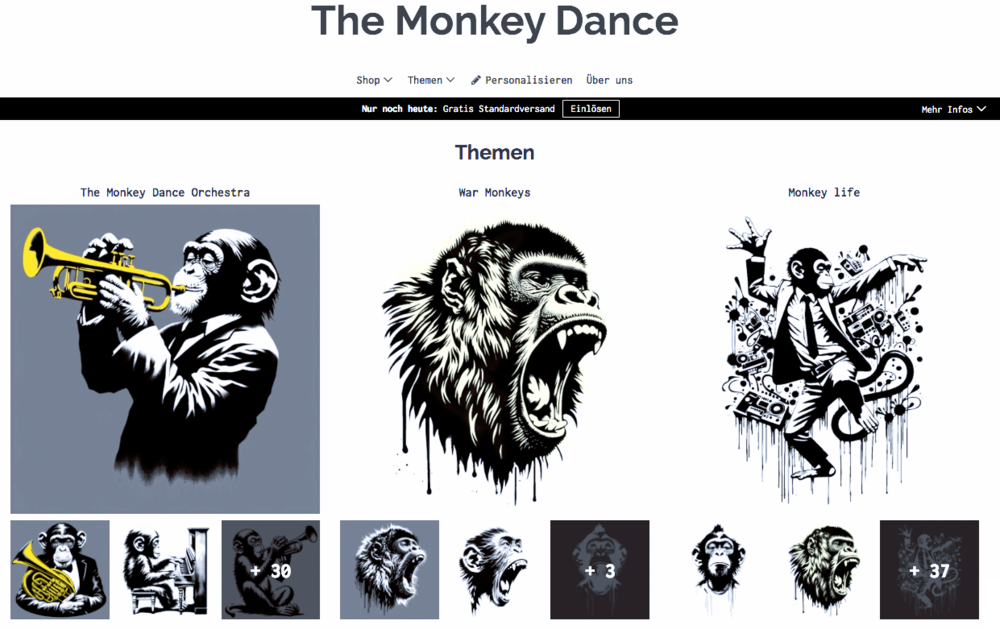
The Monkey Dance SpreadShirtShop
|
|
|


|
 |



Children for a better world >> Förderung der AI Fair-Image Challenge
Fair-Image wird von CHILDREN JUGEND HILFT! gefördert und ist mit der deutschlandweiten AI Fair-Image Challenge SIEGERPROJEKT 2025. Alle Infos zur Challenge hier >>. Infos zum Camp25 gibt es hier. Wenn auch Ihr Euch ehrenamtlich engagiert und noch finanzielle Unterstützung für Eurer Projekt braucht, dann stellt gerne einen Antrag bei JUGEND HILFT.
